Table of Contents (14 sections)
Embarking on a journey to become a developer can be overwhelming. With a myriad of technologies and tools available, it's essential to identify the ones that will best support your learning and career growth. In this article, we’ll explore the must-have tools for aspiring developers that can help you from writing your first line of code to landing that dream job. Whether you are looking for code editors, version control systems, or online resources, we’ve got you covered. Let’s dive in!
1. Code Editors: Your Primary Workspace
A good code editor is vital for any developer. It serves as your primary workspace where you will write, edit, and test your code. Popular choices like Visual Studio Code and Sublime Text are favored for their user-friendly interfaces and extensive plugin ecosystems which enhance functionality. VS Code, for instance, supports various programming languages and has built-in Git integration. According to a survey by the Stack Overflow Developer Survey 2026, about 50% of developers prefer VS Code for its versatility. Choosing the right editor based on your needs can significantly streamline your coding process and boost productivity.
2. Integrated Development Environments (IDEs): All-in-One Solutions
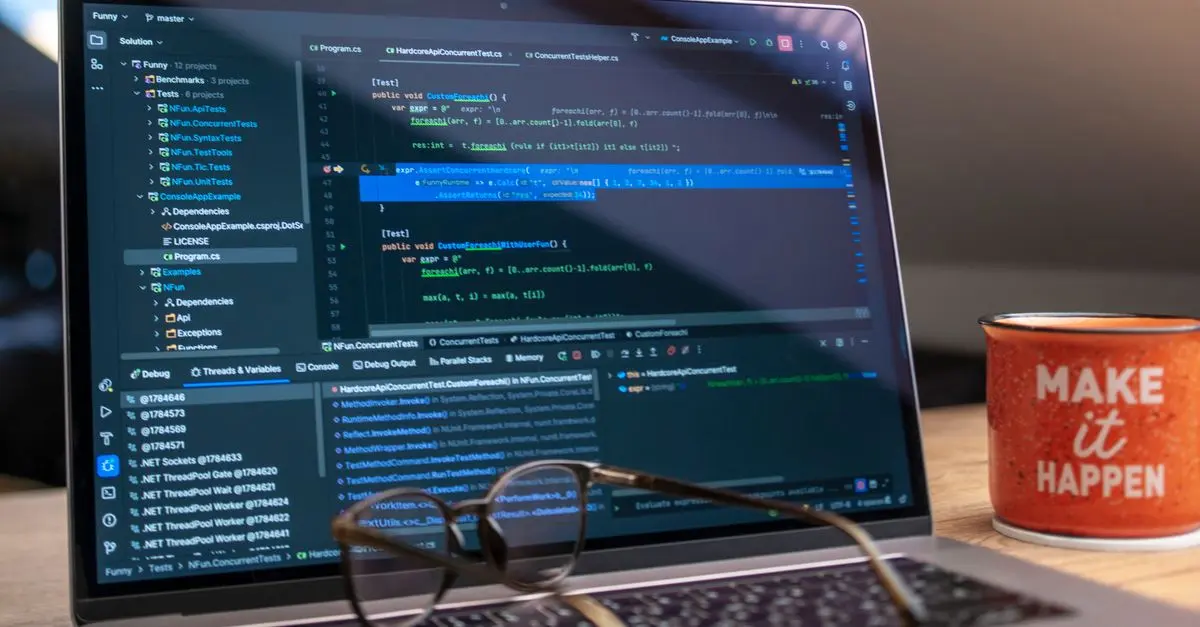
If you're working on complex projects, an Integrated Development Environment (IDE) is the next step. IDEs like JetBrains IntelliJ IDEA for Java or PyCharm for Python provide features like debugging, testing, and code completion, all in one place. This saves time and minimizes errors. IDEs often include integrated version control, which is essential for tracking changes and collaborating on projects. According to JetBrains, over 80% of professional developers use some form of IDE due to the efficiencies they offer.
3. Version Control Systems: Tracking Your Progress
Version control systems (VCS) are indispensable for collaborating on code with other developers and maintaining a history of changes. Git is by far the most popular VCS today, and platforms like GitHub and GitLab are widely used for hosting projects. Learning Git will not only help you track your own progress but also enable you to collaborate effortlessly with teams. Git statistics suggest that using version control can reduce bugs and improve code quality by up to 30%.
4. Online Learning Platforms: Continuous Education
To expand your skills, online learning platforms like Coursera, edX, and Udacity offer courses tailored specifically for aspiring developers. These platforms often feature content from universities and industry leaders, covering a vast array of programming languages and specializations. A 2026 report by Global Edtech states that learners who engage in structured online courses are more likely to transition into tech roles successfully. Taking advantage of these platforms can give you a solid foundation before entering the job market.
5. Browser Developer Tools: Debugging Made Easy
Modern web browsers come with built-in developer tools that are invaluable for front-end development. Google Chrome Developer Tools allows you to inspect HTML and CSS, debug JavaScript, and analyze performance—all directly within the browser. This functionality is crucial for understanding how your code interacts with web pages and enables you to troubleshoot issues quickly. Statistically speaking, developers who utilize these tools can resolve problems 50% faster than those who do not.
6. Frameworks and Libraries: Speeding Up Development
Frameworks like React, Angular, and Django allow developers to build applications more efficiently by providing reusable components and structure. Each framework comes with its community of resources, which can significantly enhance your learning curve. The 2026 Developer Ecosystem Survey indicates that a majority of developers believe using frameworks boosts their productivity. Learning a popular framework can position you as a more attractive candidate in the job market.
7. Online Communities: Networking and Support
Engaging with online communities such as Stack Overflow, Reddit, and various Discord servers can provide support and resources throughout your learning journey. These platforms allow you to ask questions, share knowledge, and connect with other aspiring developers. According to deloitte.com, 73% of developers attribute their progress to advice and guidance from their peers in these communities. Building relationships can lead to job opportunities and collaborations in the future.
8. Project Management Tools: Keeping Organized
To manage your projects effectively, tools like Trello, Asana, and Jira are essential. These platforms help you organize tasks, set deadlines, and enhance communication with team members. Research by Atlassian shows that teams that use such tools increase their productivity by nearly 25%. Establishing good project management habits early on will serve you well in your future endeavors as a developer.
9. Learning Git and GitHub: The Bibles of Source Code Management
Understanding how to use Git and GitHub is crucial for any aspiring developer. Git allows you to keep a detailed history of your code changes, while GitHub provides a platform for collaboration. According to recent studies, 90% of developers consider these tools essential, even in solo projects. Familiarizing yourself with branch handling, merging, and pull requests enhances your coding workflow and prepares you for real-world scenarios.
10. Cloud Development Tools: The Future of Coding
Tools like Gitpod and Replit enable seamless coding right from your browser with no local setup required. These cloud development environments have grown significantly, especially since the pandemic, allowing effortless collaboration on projects across distances. A 2026 report by Coding Dojo shows that developers who utilize cloud tools can reduce setup time by over 40%, which means more time for coding and less time in preparation.
📺 For further exploration: 1. Essential Developer Tools
Checklist of Essential Developer Tools
- [ ] Choose a code editor (e.g., VS Code)
- [ ] Install an IDE for advanced features
- [ ] Set up Git and GitHub for version control
- [ ] Explore online learning platforms for courses
- [ ] Familiarize with browser developer tools for debugging
- [ ] Learn a framework suitable for your chosen language
- [ ] Join online communities for support
- [ ] Use project management tools to organize tasks
- [ ] Understand Git commands and workflows
- [ ] Explore cloud development tools for coding
Glossary
| Term | Definition |
|---|---|
| IDE | Integrated Development Environment, a software application that provides comprehensive facilities to programmers for software development. |
| Version Control | A system that records changes to a file or set of files over time so that you can recall specific versions later. |
| Framework | A platform for developing software applications that provides a foundation on which software developers can build programs for a specific platform. |
> 🧠 Quick Quiz: What is the primary purpose of version control systems?
> - A) To edit videos
> - B) To track changes in code
> - C) To manage databases
> Answer: B — Version control systems track changes in code enabling collaboration and history management.
📺 Pour aller plus loin : essential tools for aspiring developers 2026 sur YouTube