Table of Contents (10 sections)
Introduction
In the realm of web development, understanding the distinction between HTML and CSS is fundamental for building robust and visually appealing websites. HTML (HyperText Markup Language) and CSS (Cascading Style Sheets) play key roles, each contributing unique strengths to the web development process.
What is HTML?
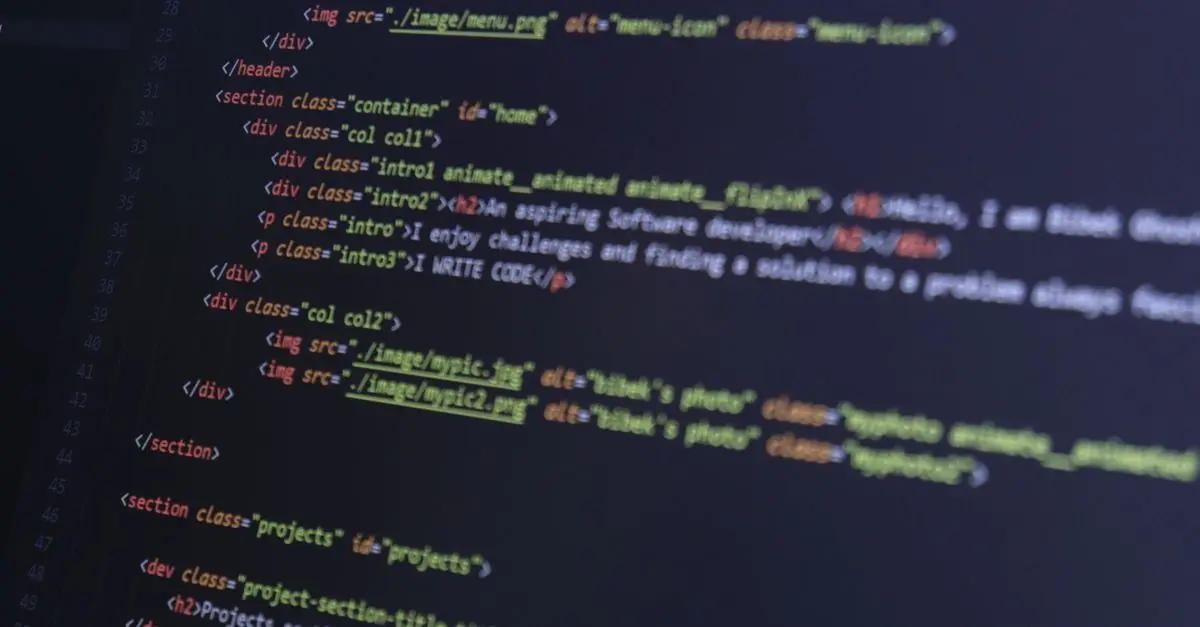
HTML, or HyperText Markup Language, is the standard language for creating web pages. It provides the structure by using tags to organize content such as paragraphs, images, and links. For instance, the <h1> tag denotes a main heading, while the <p> tag identifies a paragraph of text.
HTML establishes a cohesive layout that browsers interpret, transforming code into user-friendly webpages. Developers can build complex structures by nesting tags and employing attributes, such as <img src="image.jpg" alt="description"> to insert visuals. As of 2026, HTML continues to adapt, with responsive design capabilities becoming crucial to accommodate diverse devices.
💡 Avis d'expert: According to W3C, HTML advancements ensure better accessibility and semantic accuracy, vital for enhanced search engine indexing and user experience.
What is CSS?
CSS, or Cascading Style Sheets, defines the aesthetic layer of web pages. By linking a CSS file to an HTML document, you can control every visual aspect, such as colors, fonts, and layouts. A CSS rule might look like: p { color: blue; }, which changes all paragraph texts to blue.
CSS offers flexibility and efficiency, allowing multiple pages to share the same styling, thus promoting consistency. Recent trends emphasize the use of CSS for enhancing animations and interactivity, which contribute significantly to modern UI/UX trends.
💡 Avis d'expert: The rise of CSS frameworks like Bootstrap has revolutionized how developers approach styling by offering predefined classes that save time and ensure compatibility across browsers.
HTML vs CSS: A Point-by-Point Comparison
| Criterion | HTML | CSS | Verdict |
|---|---|---|---|
| Purpose | Structure and content organization | Styling and layout customization | Separating tasks enhances efficiency |
| Syntax | Uses tags (e.g., <h1>, <p>) | Uses selectors and declarations (e.g., p { color: blue; }) | Simple for beginners |
| Updates | Limited dynamic updates | Real-time styling updates with classes and IDs | CSS offers greater flexibility |
| Learning Curve | Generally easier for beginners | Slightly steeper due to styling versatility | Complementary learning paths |
Procedural Insight: How to Use HTML and CSS Together
Understanding how HTML and CSS can coalesce to create harmonious web pages is essential. Start by writing the HTML document first, outlining the primary structure. Once satisfied, create a CSS file linked within the HTML using the <link> tag: <link rel="stylesheet" href="styles.css">.
Begin styling by selecting HTML elements and applying CSS properties. For instance, styling headings with color and font-size creates a coherent visual theme. Using external stylesheets optimizes site performance by caching CSS, minimizing loading times.
📺 Pour aller plus loin: HTML and CSS - The Perfect Marriage, a comprehensive analysis of integration techniques. Recherchez sur YouTube: "HTML CSS integration techniques 2026".
Analytical Perspective: Statistics and Trends
The increased reliance on tools like Google Analytics highlights how HTML and CSS improvements directly correlate to engagement metrics. CSS animations now are used by over 70% of top sites, indicating a shift towards interactive user experiences.
W3C's findings in 2026 showed about 90% of web pages globally use both HTML and CSS, showcasing the necessity for all developers to master these languages.
- What is the main difference between HTML and CSS?
HTML structures content while CSS styles it, each playing distinct yet complementary roles.
- Can you use CSS without HTML?
No, CSS requires HTML to apply styles to elements on a webpage.
- Is CSS harder than HTML?
CSS offers more options, making it slightly more complex but essential for visual design.
- What are some CSS frameworks?
Popular CSS frameworks include Bootstrap and Tailwind CSS, aiding in rapid, consistent styling.
Glossaire
| Terme | Définition |
|---|---|
| HTML | A markup language for creating web page structures. |
| CSS | A stylesheet language for determining how web pages look. |
| Bootstrap | A popular CSS framework for developing responsive websites. |
Checklist for Developers
- [ ] Understand the fundamental differences between HTML and CSS.
- [ ] Practice creating HTML structures first.
- [ ] Apply CSS styles using classes and IDs for reusability.
- [ ] Explore CSS frameworks for expedient design solutions.
- [ ] Stay updated with W3C standards and practices.
🧠 Quiz rapide : Which language is used to structure web content?
- A) JavaScript
- B) HTML
- C) Python
Réponse : B — HTML structures web content while CSS styles it.