Table of Contents (13 sections)
Becoming a developer is an exciting journey filled with possibilities. To succeed in this field, having the right tools is crucial. Developer tools can enhance your productivity, coding skills, and overall efficiency. In this article, we will explore essential tools that every aspiring developer should consider to kickstart their career and set themselves up for success.
1. Integrated Development Environments (IDEs)
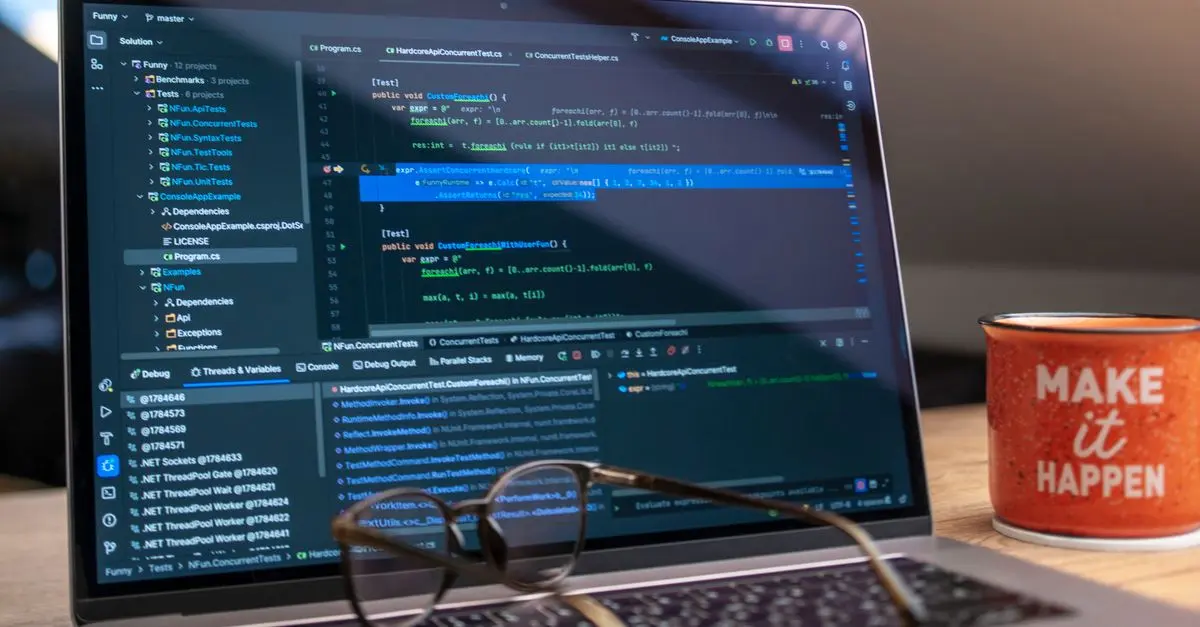
A good IDE is fundamental for any developer. It provides a comprehensive environment for writing, testing, and debugging code. Popular IDEs like Visual Studio Code, JetBrains IntelliJ IDEA, and Eclipse offer features such as syntax highlighting, code completion, and integrated debugging tools.
For example, Visual Studio Code has a large variety of extensions that support different programming languages and frameworks, making it highly customizable. According to a survey from Stack Overflow, about 59.5% of developers reported using Visual Studio Code, which is a testament to its popularity and reliability. This accessibility makes it a great choice for beginners who want to learn and grow.
2. Version Control Systems (VCS)
Understanding and utilizing a version control system is crucial for any developer. Tools like Git and platforms like GitHub or GitLab enable developers to track changes in their code, collaborate with others, and manage projects efficiently.
For instance, using GitHub, you can host your projects and take advantage of its collaborative features. Furthermore, it can serve as a portfolio for potential employers, showcasing your contributions to open-source projects. Nearly 83% of developers use Git regularly, revealing its significance in modern software development. Mastering Git early in your career can significantly benefit the way you manage projects.
3. Command Line Interface (CLI) Tools
A solid understanding of the command line is essential for any developer. Using a command line interface like Terminal on macOS or Command Prompt on Windows allows you to navigate files and execute commands efficiently.
CLI tools can also automate daily tasks and run scripts much faster than graphical user interfaces. Moreover, many tools today, such as Docker and Kubernetes, rely heavily on command line interfaces for deployment and management. Beginners should familiarize themselves with basic command line commands to enhance their productivity.
4. Debugging Tools
Debugging is an integral part of programming, and knowing how to effectively debug your applications can save you countless hours. Tools such as Chrome DevTools for web developers, and debugging tools built into IDEs, can help you troubleshoot and optimize your code.
For example, Chrome DevTools is excellent for testing web applications. It allows you to inspect HTML and CSS elements, monitor network activity, and debug JavaScript in real time. Learning to use these debugging tools can greatly enhance your coding efficiency and improve the quality of your applications.
5. Package Managers
Using a package manager helps streamline the installation and updating of software libraries, frameworks, and tools. Developers often use npm for Node.js projects and pip for Python to manage packages effectively.
Statistics show that 80% of JavaScript developers regularly use npm, indicating its importance in the development workflow. With package managers, developers can save time when installing dependencies, allowing them to focus on writing actual code rather than managing the required packages manually.
6. Code Collaboration Tools
For any developer working in a team, code collaboration tools are essential. Platforms like Slack, Microsoft Teams, and Trello enhance communication and project management, making it easier to collaborate on code projects.
These tools allow for real-time discussion and tracking of project progress, ensuring everyone stays aligned. According to GitLab's 2025 Developer Report, teams utilizing collaborative tools see an increase in productivity by nearly 85%. Embracing these tools fosters a better working environment and aids in efficient project delivery.
7. Online Learning Platforms
Continuous learning is vital in the ever-evolving tech landscape. Platforms like Codecademy, Udemy, and Coursera offer a plethora of courses that teach everything from fundamental concepts to advanced techniques.
Having access to quality resources can make a significant difference in how quickly you can pick up new skills. Statistics from Class Central indicate that online courses have grown by over 400% since 2020, making them a popular choice for many learners. Embracing online learning can propel your development career significantly.
8. Design Tools
As a developer, understanding design principles is beneficial for creating user-friendly applications. Tools like Figma and Adobe XD allow you to collaborate with designers and implement their visions into functional applications seamlessly.
Figma, for example, enables real-time collaboration, which can be essential for teams working on UI/UX designs. A recent survey showed that 68% of developers find collaboration tools like Figma enhance their workflow significantly. Gaining familiarity with design tools can help build a well-rounded skill set.
Conclusion
Starting your journey as a developer requires the right tools and a commitment to continuous learning. By incorporating tools like IDEs, version control systems, and online learning resources into your toolkit, you'll be well-equipped to tackle coding challenges and projects effectively. As you progress in your career, stay open to exploring new tools and strive for growth.
💡 Expert Opinion: Utilizing the proper developer tools from the start can greatly decrease frustration later on and lay a solid foundation for your development journey. Explore each tool thoroughly to see how it fits into your workflow.
📺 Resource Video
> To learn more about essential developer tools, check out this detailed video on YouTube: Search for "essential developer tools for beginners 2026".
Glossary
| Terme | Définition |
|---|---|
| IDE | Integrated Development Environment, a software application that provides comprehensive facilities to programmers for software development. |
| VCS | Version Control System, a tool that helps track changes in source code over time. |
| Package Manager | A tool that automates the installation, upgrading, configuring, and removing of software packages.
Checklist before getting started
- [ ] Choose an IDE that fits your style
- [ ] Set up a version control system (Git)
- [ ] Learn the basics of command line tools
- [ ] Familiarize yourself with debugging tools
- [ ] Explore package managers for your language
- [ ] Join an online learning platform
- [ ] Practice collaboration with your team
- [ ] Understand basic design principles
🧠 Quick Quiz: Which tool helps manage code collaboration in teams?
- A) Git
- B) Figma
- C) Slack
Answer: C — Slack enhances teamwork communication and project management.
📺 Pour aller plus loin : essential developer tools for beginners 2026 sur YouTube