Table of Contents (15 sections)
Becoming a developer is an exciting adventure filled with challenges and opportunities. To help you navigate through it effectively, we’ve compiled a list of essential tools for new developers. These resources will not only enhance your coding skills but also improve your overall productivity. Let’s dive in!
1. Code Editors: Your Command Center
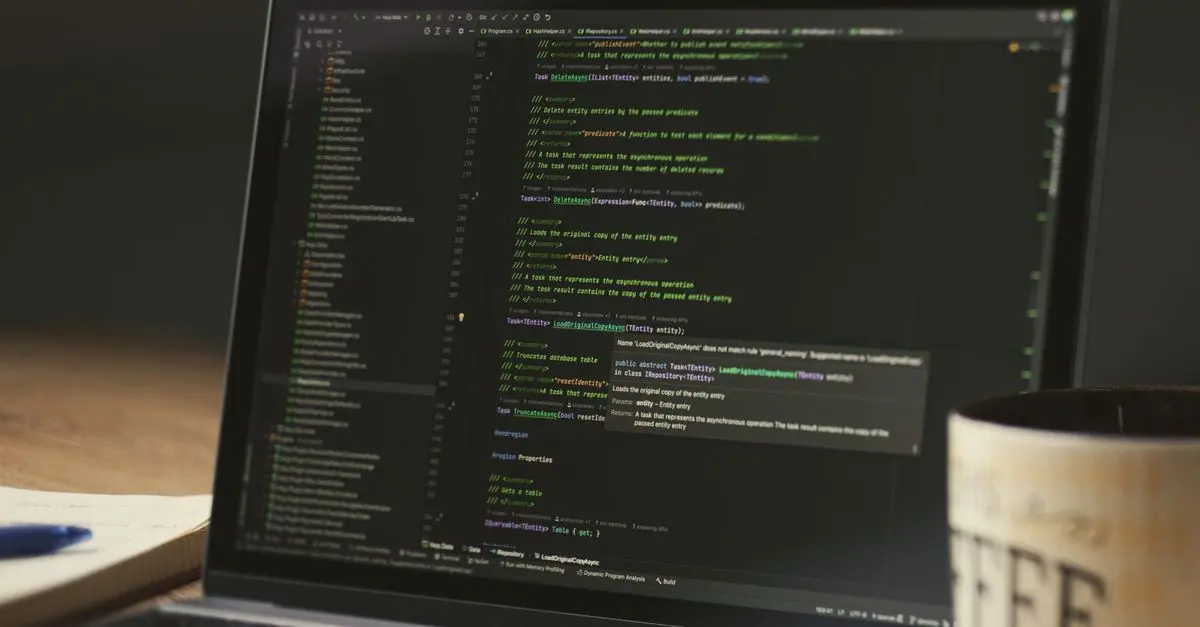
The first essential tool for any new developer is a code editor. A good code editor enhances coding efficiency and allows for a more streamlined workflow. Editors such as Visual Studio Code offer features like syntax highlighting, debugging capabilities, and an integrated terminal. According to a survey by Stack Overflow, developers prefer using VS Code due to its versatility and extensive extension marketplace.
2. Version Control: Keep Track of Changes
Understanding version control systems like Git is crucial for developers. These systems allow you to track changes in your code, collaborate with others, and manage your project effectively. Platforms like GitHub and GitLab provide repositories where developers can host, share, and work collaboratively on projects. Learning Git basics can significantly improve your workflow and collaboration skills.
3. Integrated Development Environments (IDEs)
While code editors are essential, many developers also utilize IDEs (Integrated Development Environments) such as IntelliJ IDEA or Eclipse. IDEs bring together all the tools needed for software development into a single application, including code writing, debugging, and testing. This all-in-one approach can save time and streamline your development process, especially for large projects.
4. Online Learning Platforms: Constant Skill Development
With the tech industry continuously evolving, lifelong learning is vital. Platforms like Udemy, Coursera, and Codecademy offer courses on programming languages, frameworks, and best practices. Investing time here can enhance your knowledge and keep you updated with the latest trends. Online learning not only offers flexibility but also provides practical projects for hands-on experience.
5. Collaboration Tools: Stay Connected
For developers, teamwork is often essential. Tools like Slack and Trello facilitate communication and project management among team members. Slack serves as a messaging platform for real-time communication, while Trello helps in organizing tasks visually. Efficient collaboration tools can tremendously improve your productivity and ensure everyone stays on the same page.
6. Database Management Systems: Handle Data Smoothly
As you progress in your development career, understanding how to manage databases becomes essential. Tools like MySQL and MongoDB allow you to store, retrieve, and manipulate data effectively. Each database comes with its unique features, with MySQL being a great choice for relational databases, while MongoDB excels in handling unstructured data.
7. Debugging Tools: Troubleshooting Like a Pro
Debugging is a critical skill every developer must master. Tools such as Postman for API testing and browser debugging tools (like Chrome DevTools) are essential for identifying issues. Using these tools can significantly reduce debugging time, allowing you to focus on building features rather than fixing bugs.
8. Testing Frameworks: Quality Assurance
To ensure the quality of your applications, integrating testing frameworks is necessary. Tools like Jest for JavaScript or JUnit for Java facilitate the development of unit tests, ensuring your code performs as expected. Implementing testing early in the development cycle can save you significant time and effort in the long run.
Comparison Table of Essential Developer Tools
| Tool Type | Tool Name | Key Features | Pros/Cons |
|---|---|---|---|
| Code Editor | Visual Studio Code | Syntax highlighting, debugging | Versatile, highly extensible |
| Version Control | Git | Track changes, collaborate | Learning curve, initial setup |
| Integrated Development Environment | IntelliJ IDEA | All-in-one tool, includes testing capabilities | Resource-heavy, complex for beginners |
| Online Learning Platform | Udemy | Wide range of courses, practical experience | Varies in course quality |
| Collaboration Tool | Slack | Real-time communication | May become overwhelming |
| Database Management System | MySQL | Structured data, wide adoption | Requires ACID compliance |
| Debugging Tool | Postman | API testing, user-friendly interface | Limited for full-stack debugging |
| Testing Framework | Jest | Unit tests for JavaScript | Configuration required |
9. Productivity Tools: Stay Organized
Keeping track of your tasks is essential for productivity. Tools like Notion or Asana help you keep your projects organized and manageable. These platforms enable you to create to-do lists, set deadlines, and collaborate with others, ensuring you stay on track and meet your development goals.
10. Community Resources: Engage with Peers
Finally, don’t underestimate the value of community resources. Forums like Stack Overflow and communities on Reddit provide platforms for asking questions and sharing knowledge. Engaging with fellow developers enhances your learning experience and helps you build a network.
📺 Resource Video
For a deeper dive, check out [Essential Tools for Beginner Developers] on YouTube to gain insights into useful resources and tutorials.
Glossary
| Term | Definition |
|---|---|
| IDE | Integrated Development Environment: software providing comprehensive facilities to programmers for software development. |
| Version Control | A system that records changes to files or sets of files over time. |
| API | Application Programming Interface: a set of tools and protocols for building software applications. |
HomeStock Desk with Shelves, Home Office Desk, Corner Desk, Computer Desk, Nail Table, Black Desk, No Tools Assembly
bedbathandbeyond.com

Tools, Home & Hobby Double Head Desk Lamp With Clamp, Lighting Modes, Adjustable Gooseneck, Eye Caring LED Desk Lamp Double Head Desk Lamp With
inspireuplift.com
Checklist before starting your developer journey
- [ ] Choose a code editor
- [ ] Learn version control basics
- [ ] Explore IDE options
- [ ] Sign up for an online learning platform
- [ ] Set up collaboration tools
- [ ] Familiarize yourself with database management
- [ ] Gather debugging resources
- [ ] Select testing frameworks
- [ ] Organize with productivity tools
- [ ] Engage in developer communities
As you start your journey in the development realm, equipping yourself with these essential tools will significantly enhance your coding experience and efficiency. Remember, practice is key, so don’t hesitate to experiment with different technologies and approaches to find what works best for you.
📺 Pour aller plus loin : essential tools for new developers 2026 sur YouTube
Recommended products
Selected by our experts
Klein Tools Steel SAE 6-in-1 Tapping Tool 6-32, 8-32, 10-32, 10-24, 12-24, 1/4-20, 7-3/4 1 pc
acehardware.com